
initially made for a final assignment in a procedural texturing class, this project consisted of making materials in substance designer, setting them up as a material blend in unreal engine, creating custom graphs to allow for automatic height blending, creating foliage cards, and taking advantage of blend meshes.
to start things off, lets go over the three base materials i made.

grass was achieved by making the base shape of a tall and short blade of grass. these were then patterned into multiple variants of a grass tuft, before being scattered and overlaid on top of each other later in the graph. a bit of additional warping was also applied to make things a bit more uniform and wavy, but not too much. its short grass so there still needs to be some degree of chaos.
i overlaid it on top of my dirt texture to fill in some of the gaps, as well as to warp around rocks. on the topic of which...
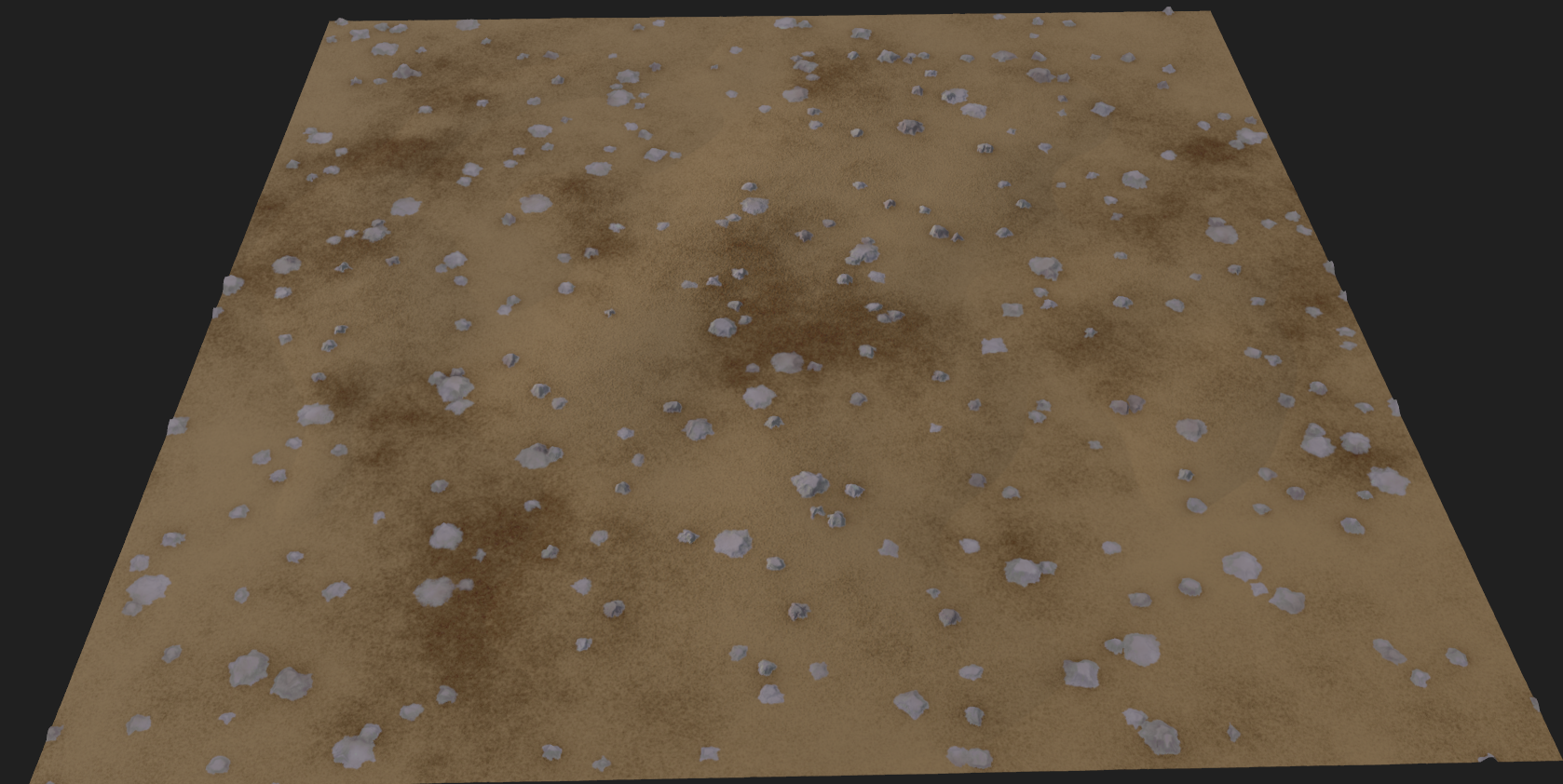
the dirt was much simpler to achieve. the base of it was just blending lots of different clouds and noise textures together to give it a chaotic yet granular look. works especially well in high res. i then made a basic pebble shape generator to make the various jagged little stones and pebbles you might find lodged in the dirt in a forest. i also made sure to export a version without any rocks, this will be important later.

the stone was relatively easy since i could take notes from my previous rock project. i started by using a generator similar to my pebble generator from earlier, but to make bigger oblong pieces that were then layered with a tile sampler. i used a bit of warping to give it a bit more chaos before throwing it in with a ton of slope blur and multiwarp to give it those finer cracks and chips.
i actually used an additional custom "voronoi" generator my teacher showed me to generate some warped cracks that i used to further break things and separate height. you can see it in action with the large chunks that are sticking out more than the rest. from there, coloring was largely handled by normal curvature as well as some spots generators i based off of that earlier multiwarp step.
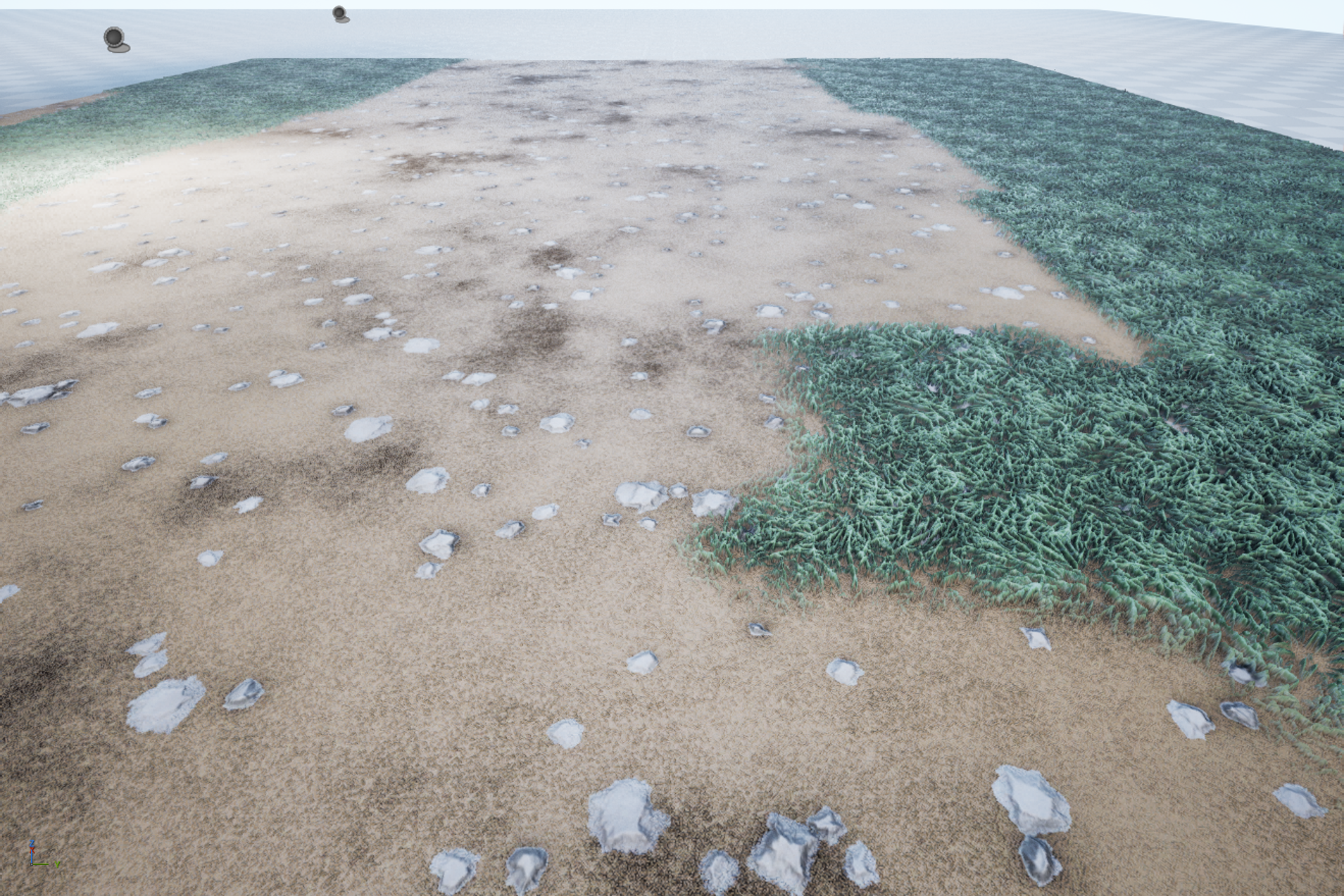
one of the first big challenges was making this large blend between the dirt and grass. layer blends are generally okay for something like this, but because i knew i wanted to use nanite in my scene it wasnt really an option for me. instead, i ended up creating a custom material that basically included a custom dirt and grass material inside as separate material attributes. i then used a material attributes blend to blend them using a mesh paint object input. the result was a good start, but there were more problems i ran into as a direct result of this approach.

i knew i wanted to have these concrete slabs in the scene that looked like they were old and half buried in the dirt. this meant rendering the final texture to a runtime virtual texture that could be read from the stone slab material. it was a simple setup, but it did not work properly when i tried it initially.
it turns out the reason for this was because nanite meshes cannot render to RVTs. given the small scale of the scene, i figured the best approach would be to make a duplicate of the floor mesh with an identical mesh paint texture, but with nanite disabled. this did render properly to the RVT, but there were some additional problems i ran into from there.
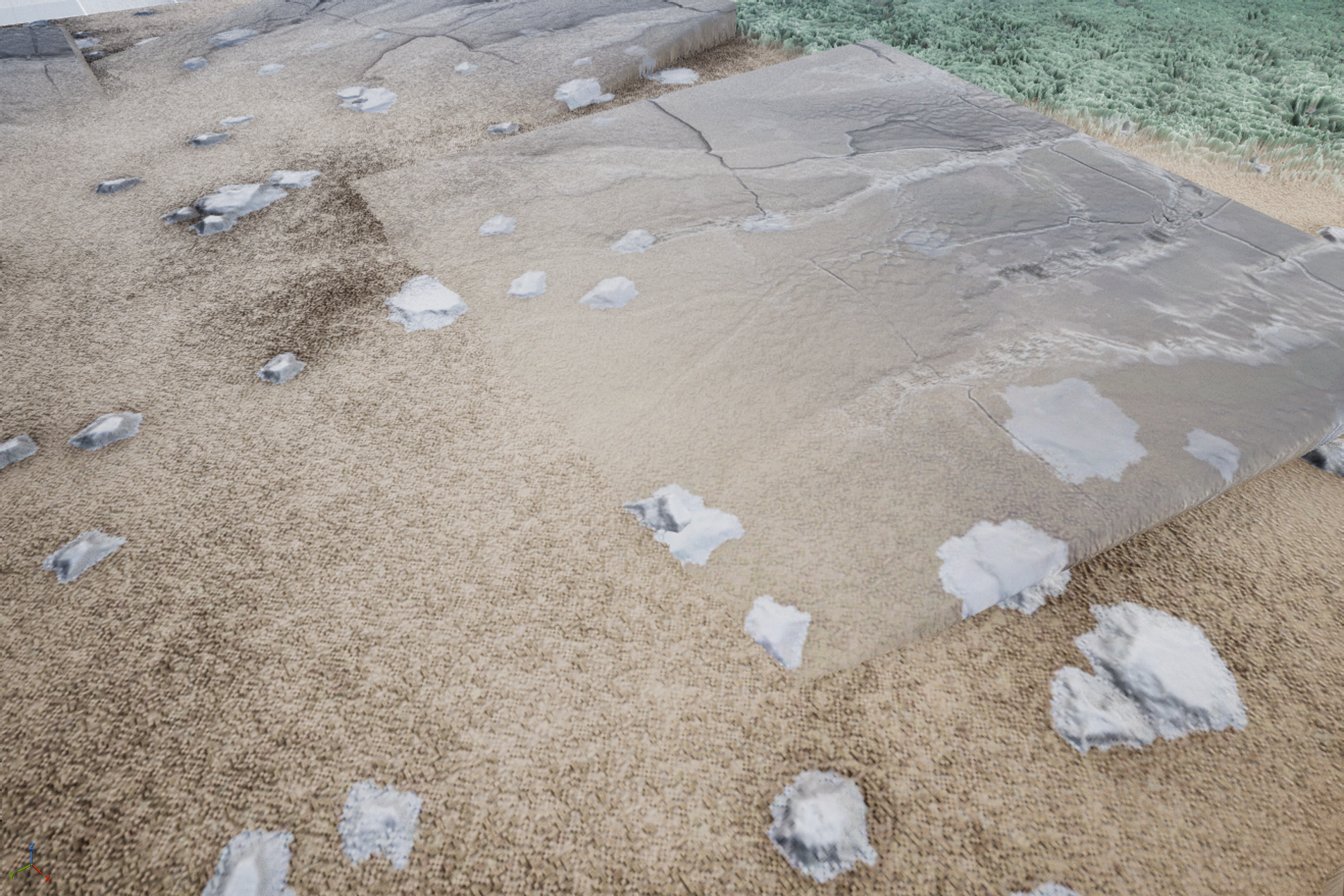
the mesh blend worked about as well as i was hoping, except now i had the issue of rocks rendering over top of the stone. this wouldnt happen in real life, and the blending of the two just looked jarring and unnatural. additionally, the height displacement of the two looked a bit too uniform and linear. both of these had relatively quick solutions however.
firstly, i exported a basic blend mesh (seen below) from substance using the dirt material from earlier but with a center heavy clouds displacement. i then gave it a similar material to the stone that could read from the runtime virtual texture. secondly, i found the rvt replace node and plugged in a separate dirt texture that lacked the rocks.

lastly, to add some extra life to the scene i decided to work on some basic grass foliage to populate things a bit more. i made a plane in blender that i subdivided a few times, and then i duplicated it in a radial pattern a few time to get a star-like pattern.
back over in substance, i reused my grass blade generator from earlier to make some vertical grass patterns seen below. i made sure to stretch them out and warp them a little to make things a bit less uniform. i also made sure to export an alpha mask with it.
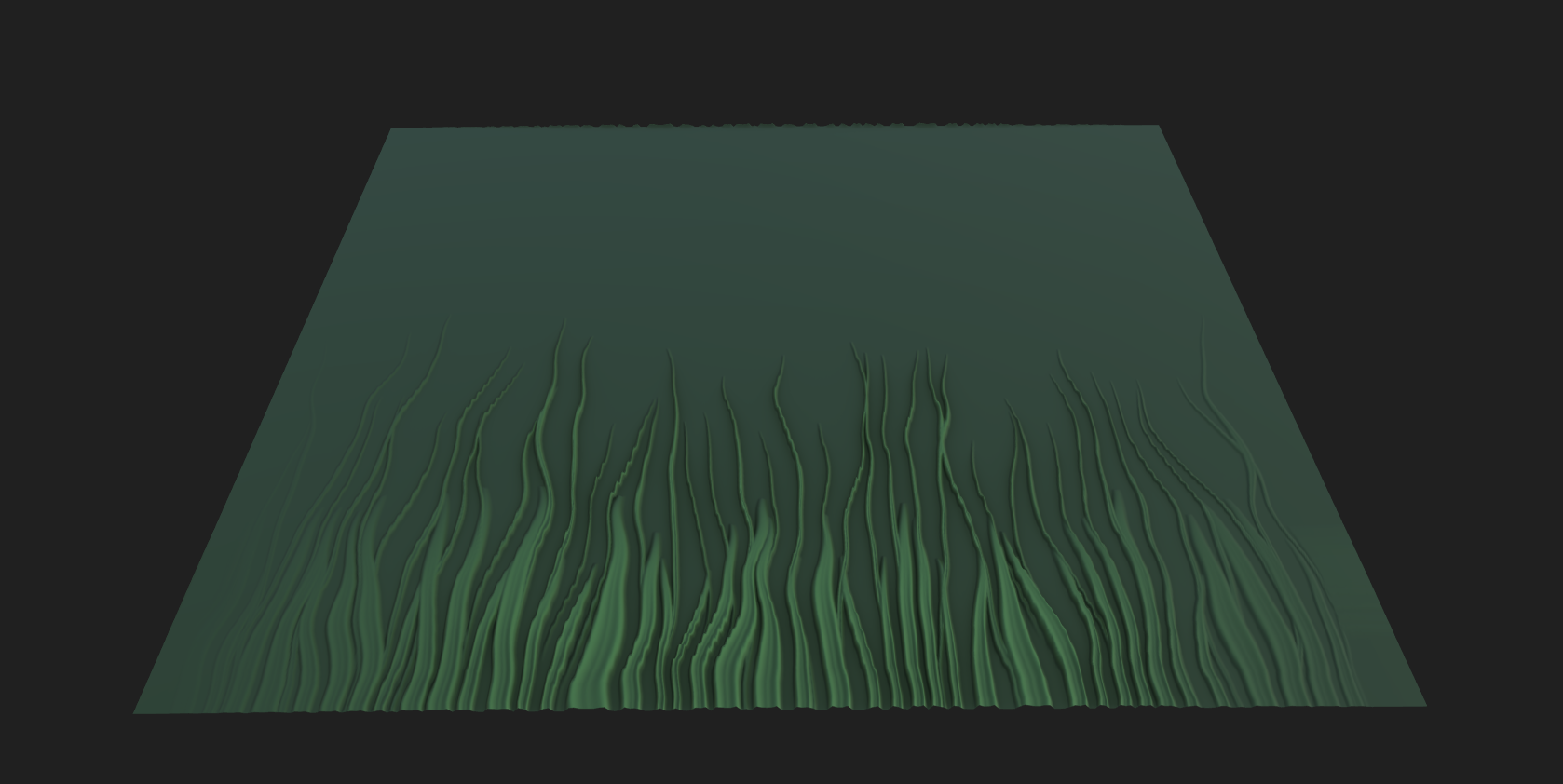
back in unreal, the shader i made for the grass foliage was extremely simple. it was largely just a pbr material similar to all the rest so far, except i made sure to plug my alpha mat in to properly cut things out in the mesh. i then also used a panning noise texture in the world position offset to make things sway a bit as if they were in the wind. to keep the bases of these meshes from swaying too much, i made sure to multiply the strength by a gradient scaled to the vertical UVs, so the lower down the mesh you went the weaker the swaying got.
this is the final result for now. its still unconfirmed, but i may or may not be planning a rework of these for my capstone game. something a bit muddier and marshier. we'll see...

