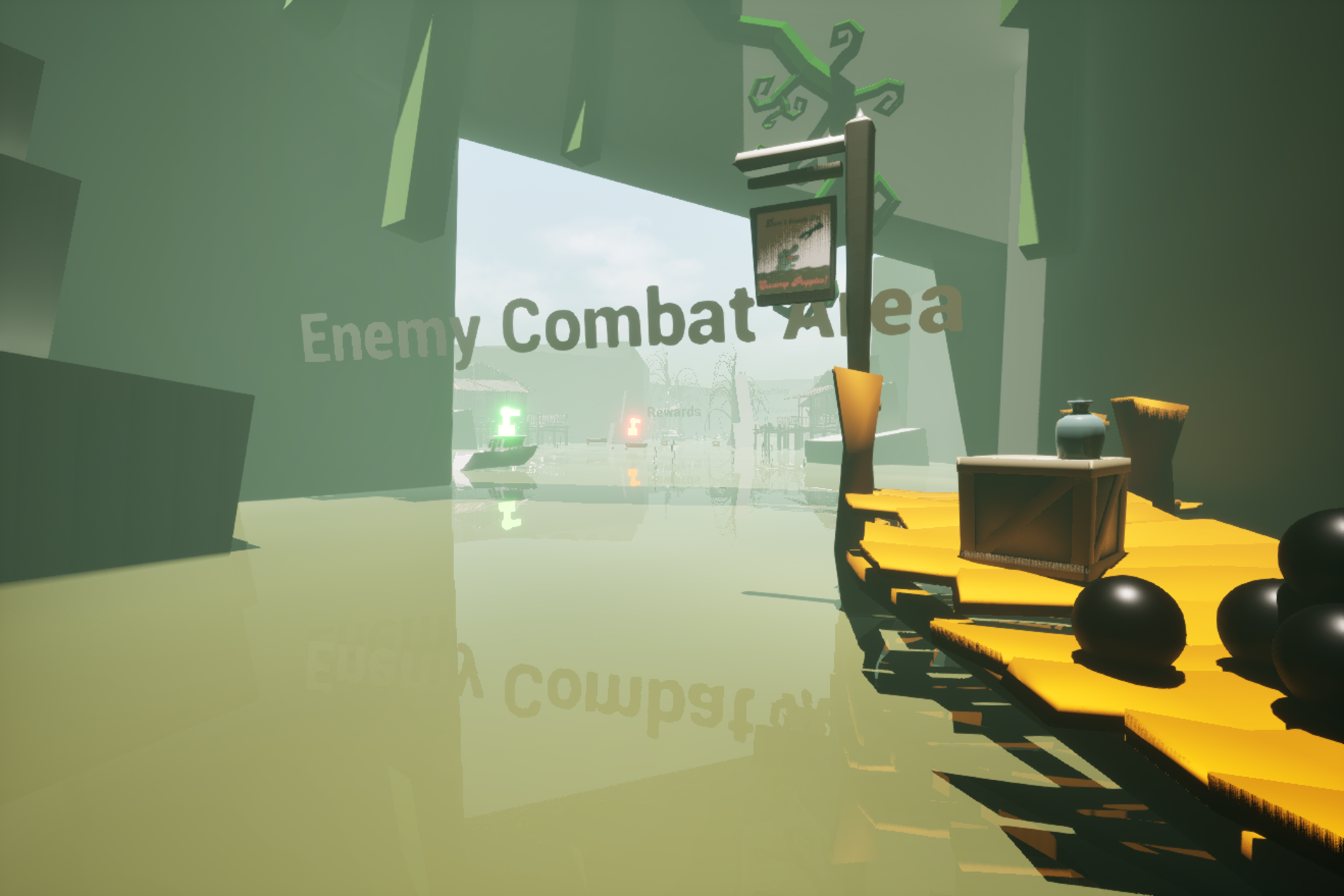
Battle of the Bayou (working title) is an upcoming game from my undergraduate capstone team. i got to work as an engineer and technical artist alongside a lot of extremely talented individuals on this team, and we're all excited to have something really great by spring of 2027.
For my work, I focused a lot on the character controller and getting things playable on the steam deck, but for the purposes of this write-up I'm just gonna focus on the technical art i worked on so far.
For a game that takes place in a bayou, obviously one of the bigger things i needed to work on was water. While unreal has a number of built in subsystems and components that can do water on their own, I felt that none of them really worked in the context of a stylized game like this. So i went out of my way to make one custom.
Like most things, i started off with a base from an existing tutorial, this time it was a gerstner waves guide by artist Hailey Williams designed for UE4, but most of the principals still worked perfectly fine for our purposes.
The main thing I gained from this article was the setup for the gerstner waves function. I still dont fully understand the math behind it, but the writeup showed how things mapped together in shader nodes. Most of it was left unchanged, but i decided to make some modifications to the amplitude part of the function. the waves had a tendency to tile a bit too obviously, and because we needed the waves to be a lot smaller and more lake-like, it was just going to be a much bigger problem than something like the ocean.
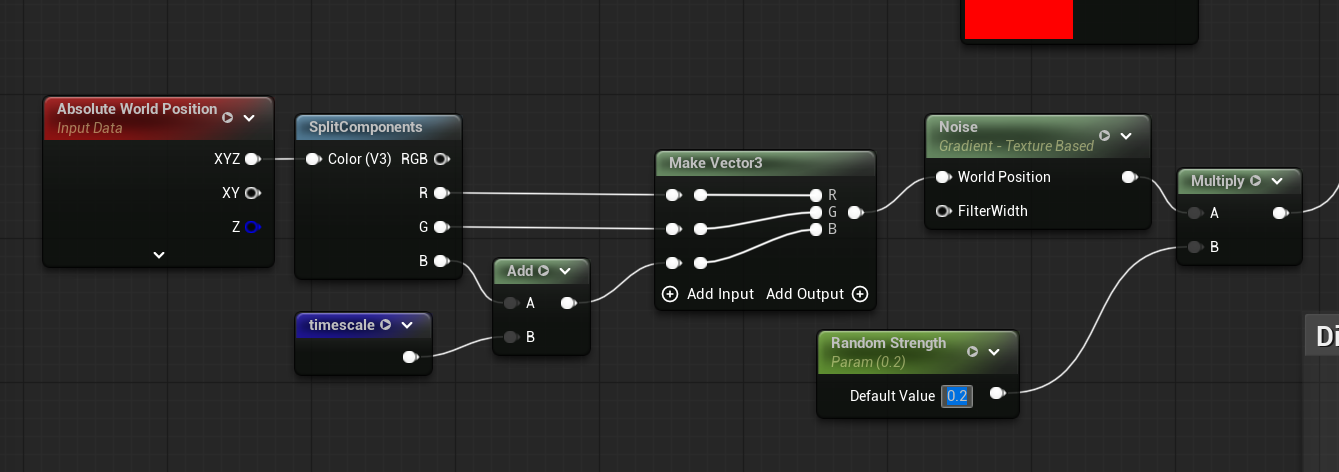
all of this was done just for a gerstner waves function node, which i then had to layer a few times in my material graph. all of this was just for the shape (done via world position offset), and it was all done long before any important visual elements were worked on for the shader. this made it quite difficult to test things since it all looked very flat without proper normals. to assist in debugging in this stage, i set up a simple rgb lerp with the waves plugged into alpha, and you can see how that looked down below.
when it came time for the coloring of the water, i used a basic world position node to get the height of the water in world space, then did a bit of math to reign it in for another lerp between a water deep and water shallow color (both parameterized). foam is still a WIP here but I'm doing a similar method for that.
Once you get an instance of this in the world and start dialing in the values, things start to look a lot more like water. still working on getting some of those swampy colors reigned in, but its not bad for only a few days work.
At this point i had the color and shape down, but it still felt like just a wavy plane with some odd coloring. in order to make it feel more like water, i started by cranking the roughness down and dialing up the specularity.
after this, i had to get some transparency going, which was a bit more involved than just the number inputs i did above. i started off with a depth fade for that opacity output. this meant that any object that intersected with or went below the water plane would still be visible up to a certain point before eventually fading out of view. to keep it from being a perfectly seamless fade, i added a base value of .1 after the depth fade node so that the moment anything went below the water surface it would still be tinted by the water.
I was really close here, but I was still missing the refraction of the water. While unreal made it easy enough to add a refraction value to any given shader, playing around with static values didn't seem to help much with anything. it all felt far too stagnant and unmoving, contrary to the actual shape of the water.
The solution turned out to be using that same depth fade again. I plugged it into the alpha of a lerp here, this time between a value of 1.0 (air IOR) and 1.33 (water IOR) to help exaggerate things significantly. I think the results speak for themselves here.
There's still plenty of work to be done here. current plans for the future include a degree of interactivity (ripples from overlapping objects, boat trails, better foam, etc), but ill be sure to update this page as i get further into the weeds of things.